



Redm Warpaint
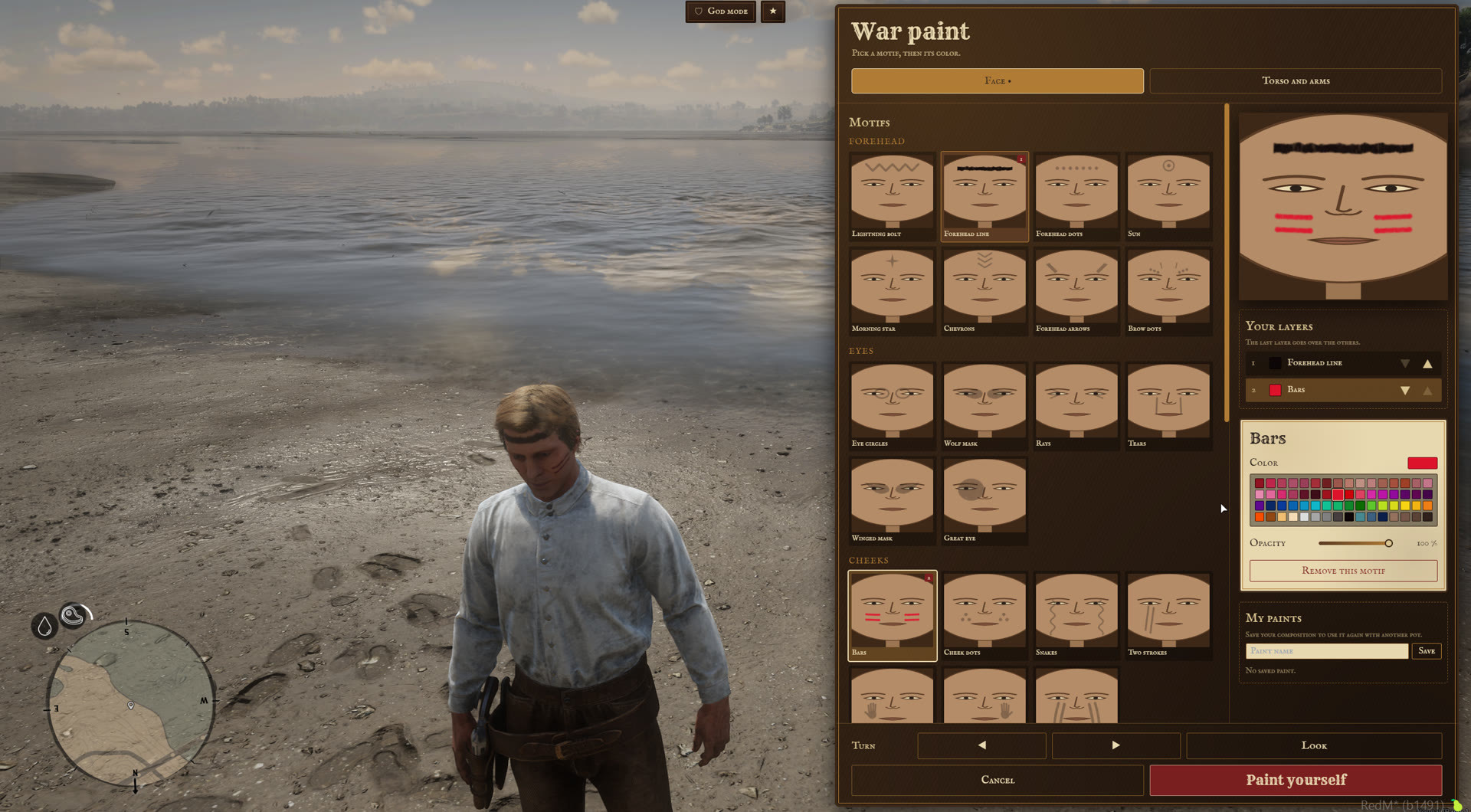
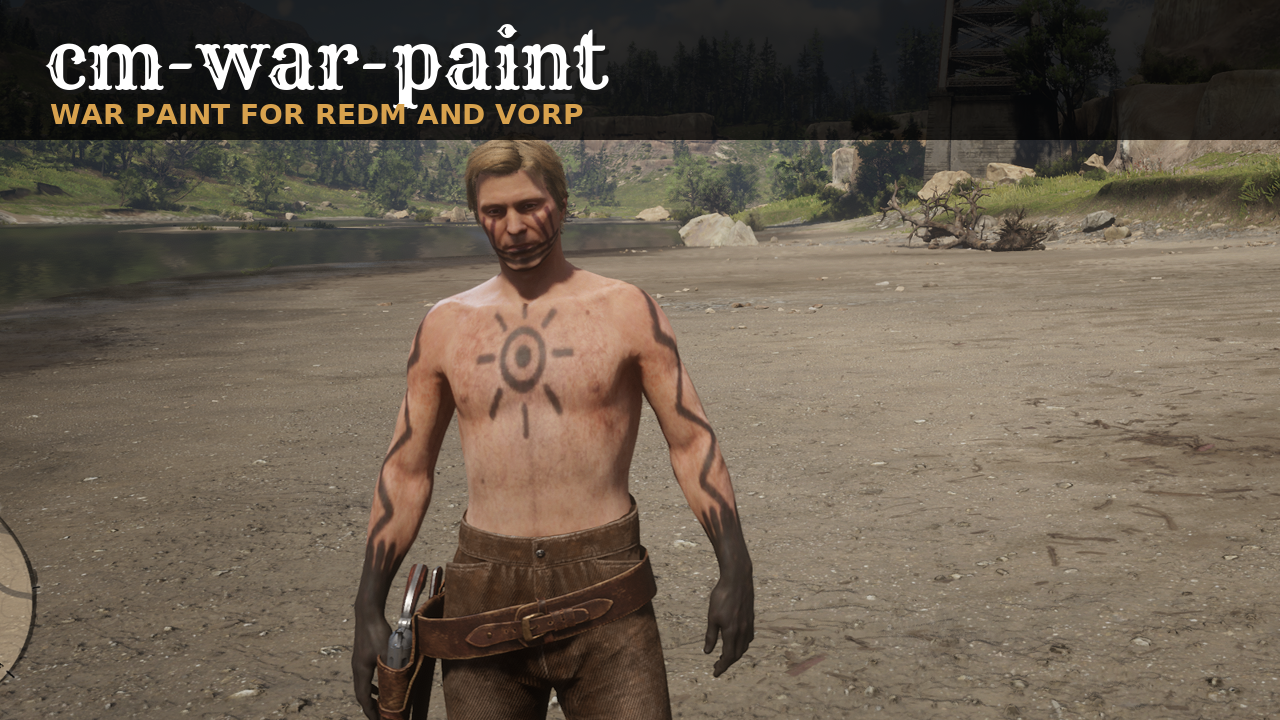
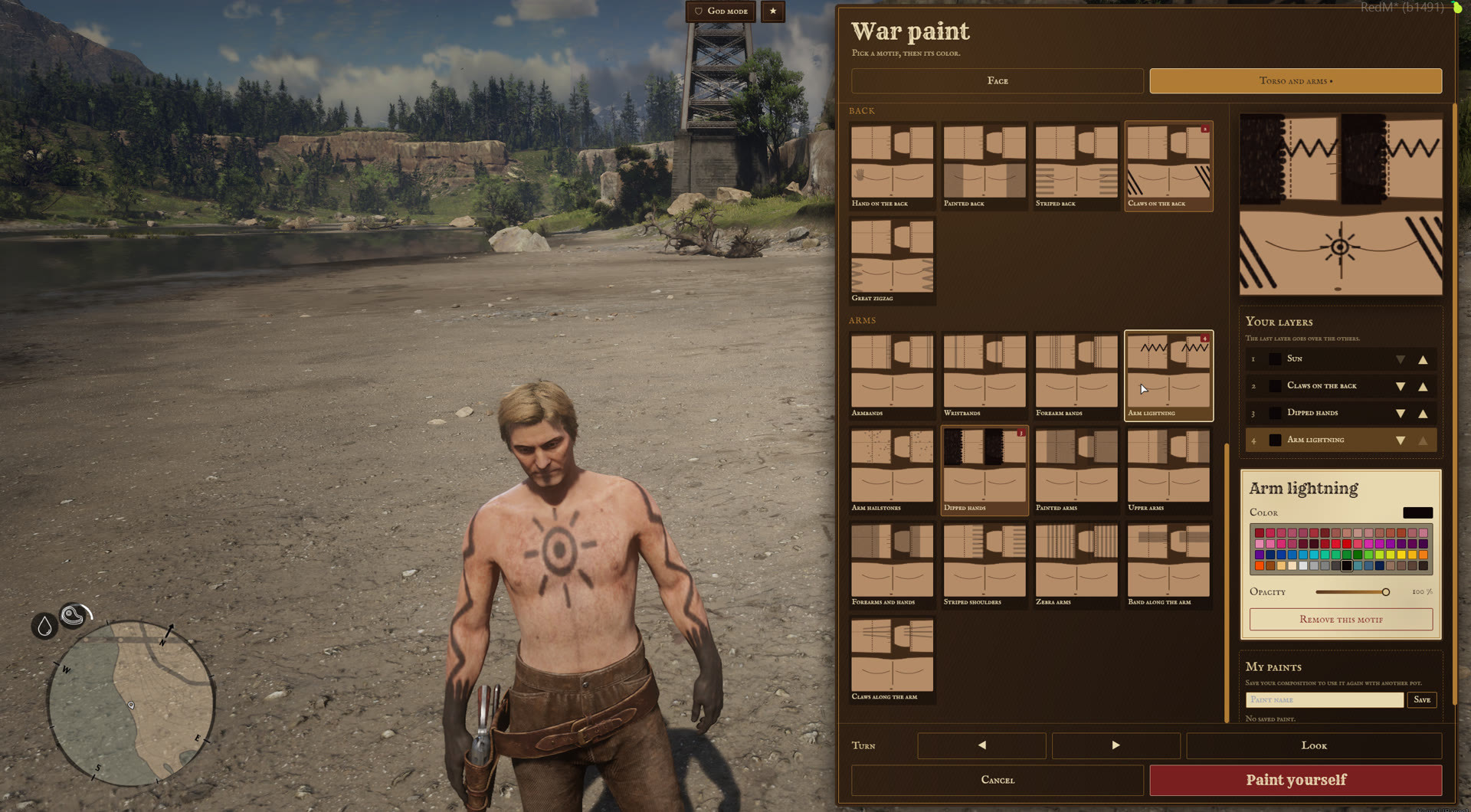
War paint for RedM and VORP. A player uses a paint pot, stacks motifs on the face, the torso and the arms, picks a color and an opacity for each, sees the result on the character, then paints themselves. The paint is saved per character, comes back on every login and stays until it is washed off. You choose how it comes off in the config files.
Requires vorp_core, vorp_inventory, ox_lib and oxmysql. Two items are added to your items table on the first start: war_paint_pot and war_paint_rag, with their pictures.
THE MENU
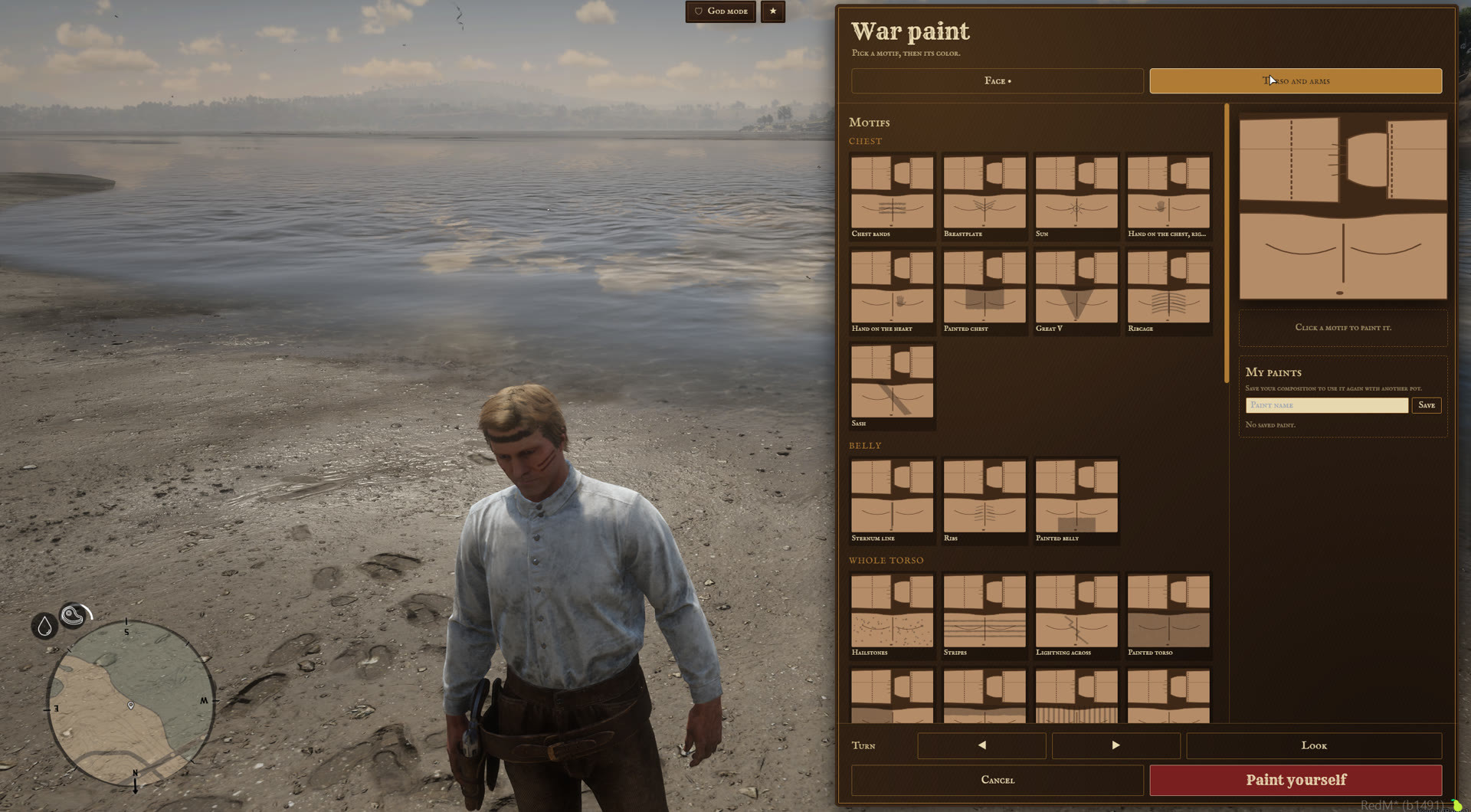
- 74 motifs: 35 for the face, 39 for the torso, the back and the arms, sorted in groups (forehead, eyes, cheeks, chest, back, arms...).
- 64 colors from the game's makeup palette, an opacity per motif, up to 6 layers per zone, layer order set with arrows.
- Live preview on the character, rotate buttons and a free camera.
- One pot per session: the pot is consumed at the end of the painting animation. Moving or cancelling keeps the pot and brings the previous paint back.
- Paint already worn is locked: a new pot adds motifs, it never removes or recolors one.
- "My paints": save up to 10 compositions per character and use them again with another pot.
WASHING IT OFF
The paint always comes off as a whole. Each way can be turned off on its own.
- Swimming for a few seconds, or wading deep enough. On by default.
- Cleaning items. The damp rag is included. Add your own items (soap, a basin), each with how many are consumed per wash, 0 to keep it. Duration and animation are set in the config. On by default.
- Play time. The paint wears off after a number of minutes of play since the character last painted themselves. Only time spent connected counts. Off by default.
- Rain. A few minutes outside under the rain. Interiors and roofs shelter, trees do not. Weather types are listed in the config. Off by default.
- Other scripts call the
Cleanexport (a bath, a well).
WHAT ELSE YOU CAN SET
Items and painting. Item names, painting duration and animation, layers per zone, saved paints per character.
Your own motifs. A motif is one texture dictionary, white on a transparent background, a preview picture and a line in config/motifs.lua.
Staff. Staff by ACE or by VORP group. A staff command opens the menu without a pot, with every motif editable and a button that cleans everything. Staff actions can be sent to a Discord webhook.
Languages. English and French included. A missing key in your own translation falls back to English.
GOOD TO KNOW BEFORE YOU INSTALL
The game gives the head a single texture: while the face is painted, the vorp_character makeup is hidden. It comes back when the face is washed.
A change of clothes rebuilds the skin and drops the paint for a moment: the paint is put back every 1.5 seconds by default.
The character selection screen of cm-character shows each character with its paint. The selection screen of vorp_character does not: the paint shows once the character is loaded.
Swimming and rain are seen by the client, as the server cannot see water or the sky. The only thing a client can do with them is lose its own paint.
The motif textures are streamed: a full server restart is needed after adding or changing one.
The Cfx asset escrow only encrypts Lua. The config, the locales, the bridge, the SQL migrations and the interface are shipped readable.
INSTALLATION
- Copy the folder into your resources, and the two pictures of
images/into your inventory picture folder. - Add
ensure cm-war-paintafter vorp_core, vorp_inventory, ox_lib and oxmysql. - Start the server once, then restart the whole server so the textures and the new items are loaded.
- Edit
config/config.luaandconfig/motifs.lua.
DOCUMENTATION AND SUPPORT
Full documentation: docs.camsurmotion.fr
Questions, bug reports and feature requests: Discord