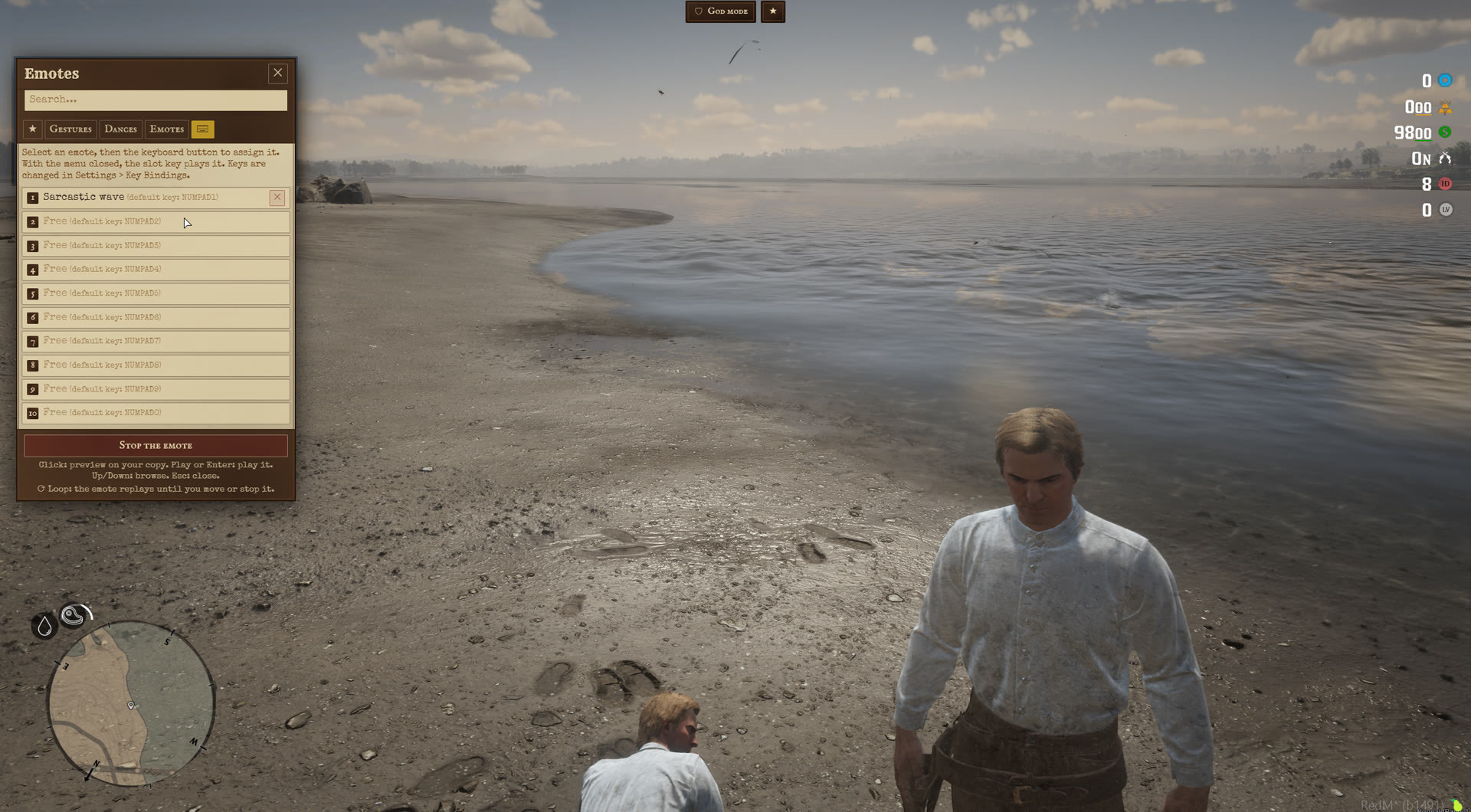





Redm Emotes menu
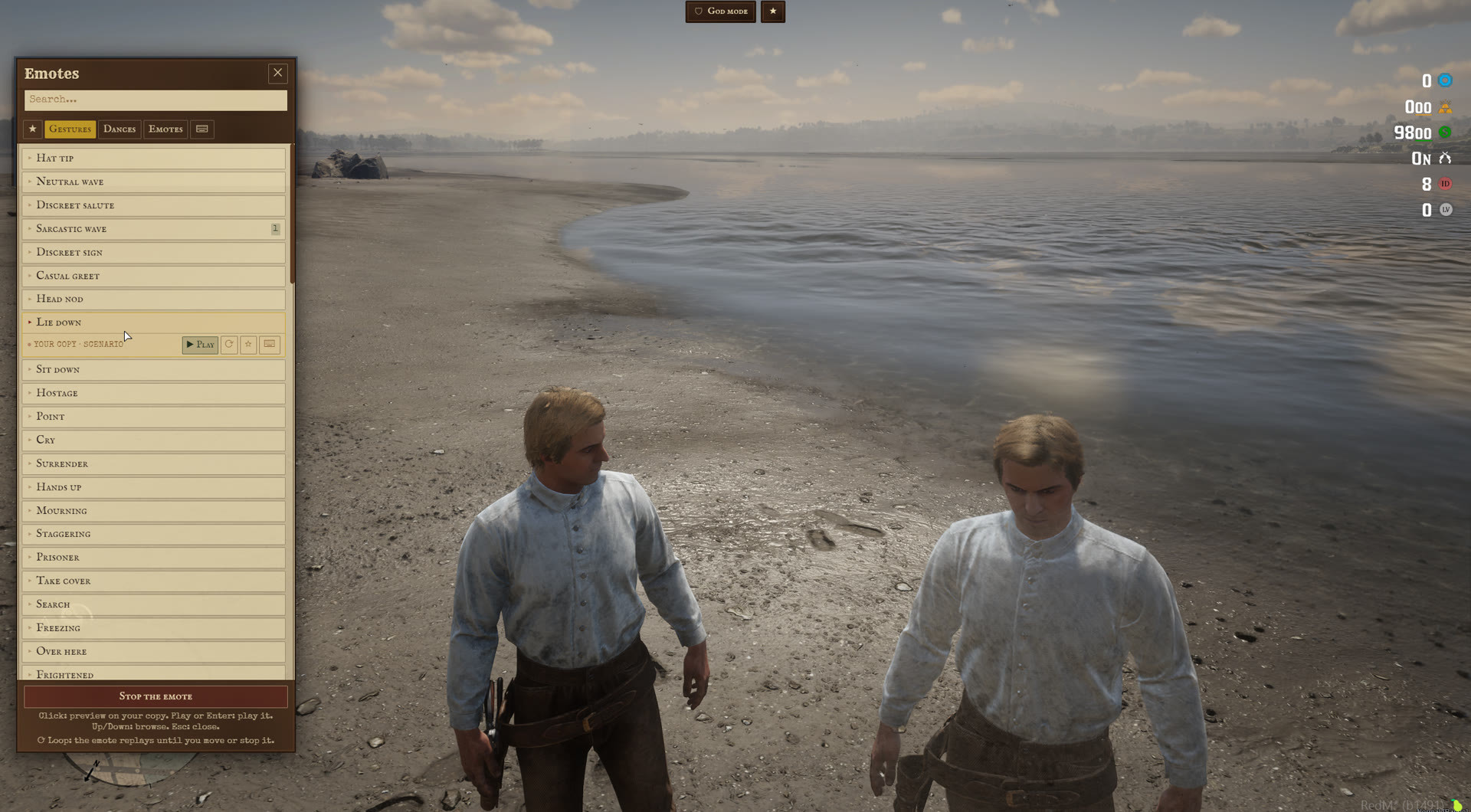
Emote menu for RedM. Open it with /emotes or a key, click an emote to preview it on a copy of your character, then play it. Every emote comes from the base game: animations, emote kits, scenarios and four theater shows.
Requires ox_lib. Tested on VORP, which only serves the notifications: the resource also runs without a framework. No database table.
THE MENU
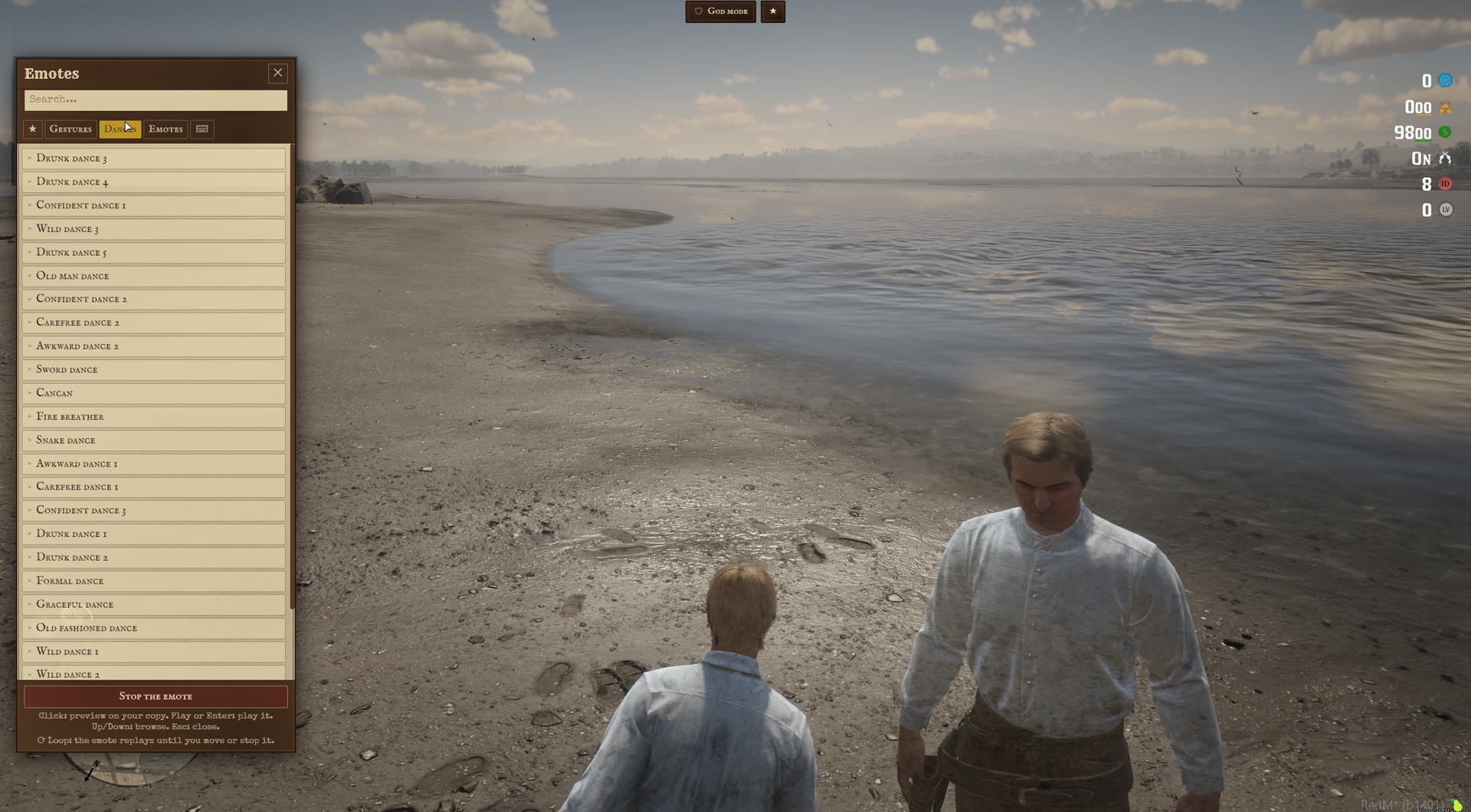
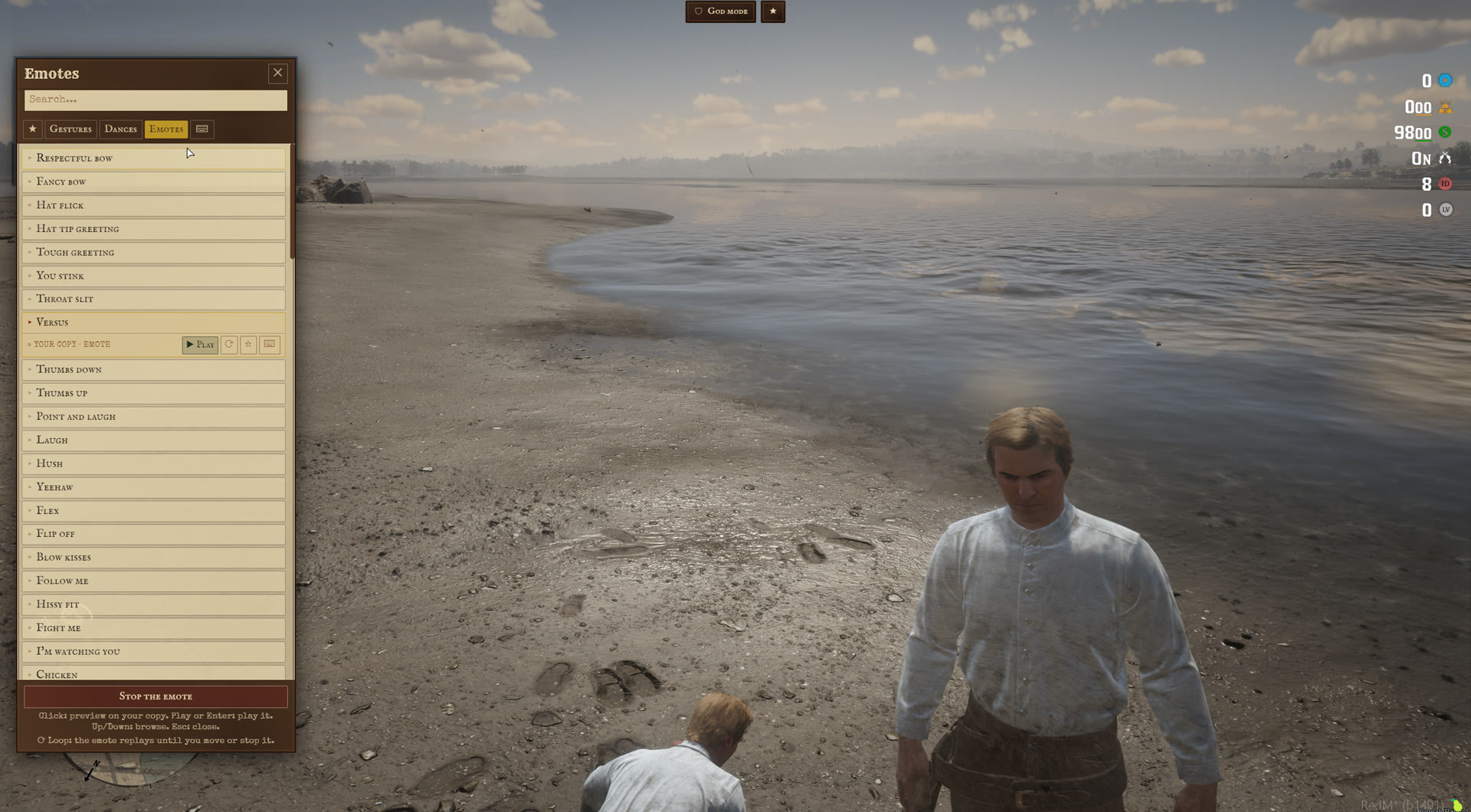
- 217 emotes in three tabs: gestures, dances, emotes.
- Preview on a copy of the character beside you, seen by you only. Your character only moves when you press Play.
- Favorites tab, search field, keyboard navigation (arrows, Enter, Escape).
- Loop button: the emote replays until you move or stop it.
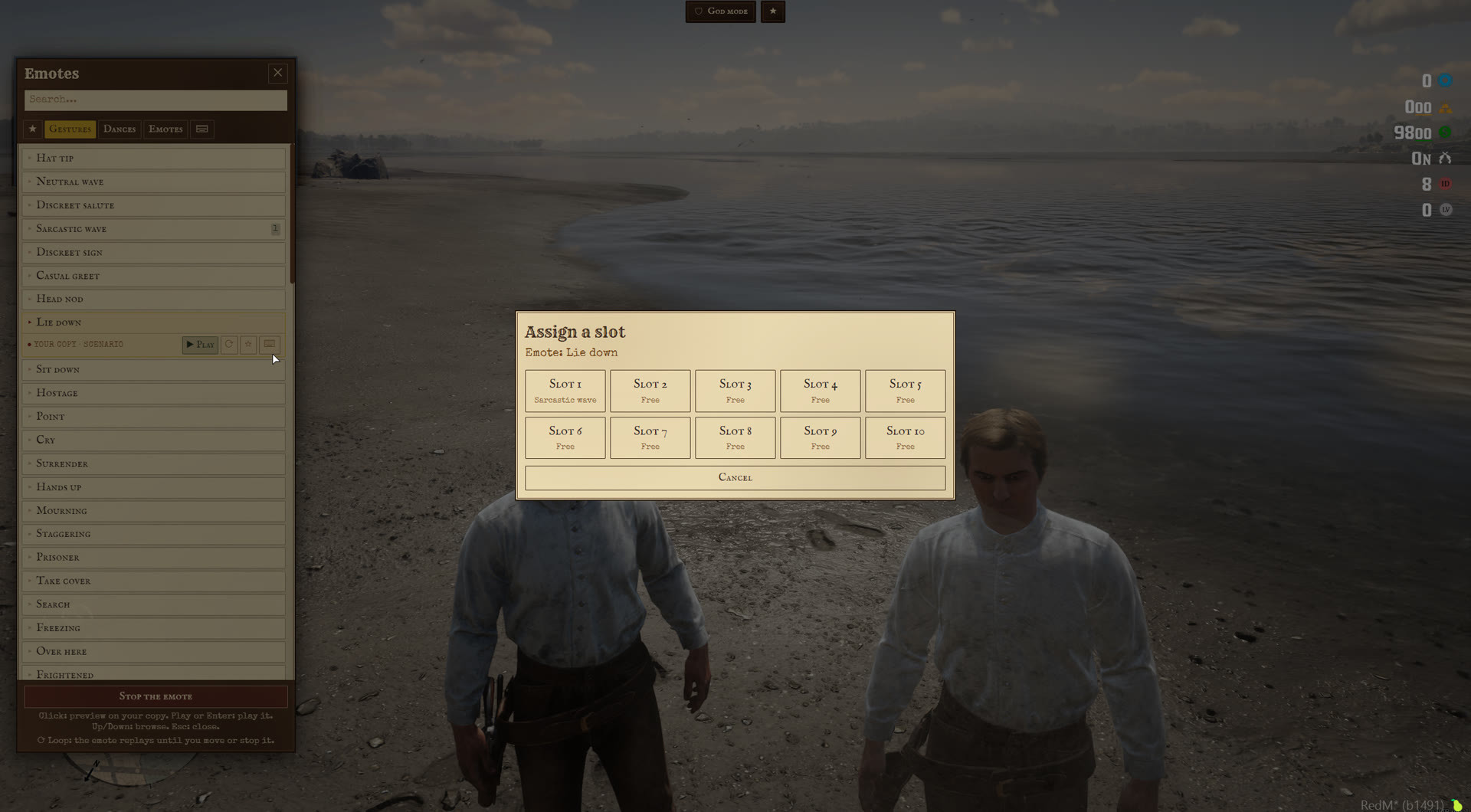
- 10 shortcut slots: assign an emote from the menu, then play it with its key, menu closed.
KEYS
- Stop the current emote: X by default.
- Fall to the ground: Y by default, hold it to stay down.
- Shortcut slots: numpad 1 to 0 by default.
- Open the menu: no key by default, the command is enough.
These are defaults: each player changes them in the key binding settings of the game, without touching a file.
THEATER SHOWS
The fire breather, sword dance, snake dance and cancan of the Saint Denis theater are game scenes, not single clips: the dancer, the props and several acts in a row. The scene is built where the player stands, and nearby players see the same show. The server relays a show only when it is in the list, close to the dancer, and not more than once every 400 ms per player.
WHAT YOU CAN SET
The list. Tabs and emotes in config/emotes.lua: animations, emote kits, scenarios and shows, each with its own name in the locales.
Behavior. Stop on move and its speed, what stops a loop (aiming, mounting, another script's animation), the preview copy (on or off, place), the fall key timings, the theater shows (on or off, distance seen by others).
Blocking. Emotes, shows and the fall are refused while the player is cuffed, dragged, hands up or unconscious. Read from state bags (the cm-restraint ones by default, add those of your own scripts), from cm-restraint when it runs, and from the game state (cuffed, hogtied, lassoed, dead).
Languages. English and French included, the 217 emote names too. A missing key in your own translation falls back to English.
GOOD TO KNOW BEFORE YOU INSTALL
X is also the default hands up key of cm-restraint. With both resources, X stops the emote and raises the hands. Change one of the two defaults, or let each player rebind one.
The first time a player plays a theater show, the offset between the stage and the dancer is measured and saved on that player's computer. With debug on, the value is printed so you can fix it in the config for everybody.
Favorites, loops and shortcut slots are kept on the player's computer, like key bindings: they follow the player across characters, not across computers.
No emote is played by two players together in this version.
The Cfx asset escrow only encrypts Lua. The config, the locales, the bridge and the interface are shipped readable.
INSTALLATION
- Copy the folder into your resources.
- Add
ensure cm-emotesafter ox_lib. - Edit
config/config.luaand, if you want,config/emotes.lua.
DOCUMENTATION AND SUPPORT
Full documentation: docs.camsurmotion.fr
Questions, bug reports and feature requests: Discord